
If you are working on a WordPress website and want it to rank higher in search results, look for the right SEO plugin. The best SEO plugins for WordPress websites help you manage essential SEO tasks, including optimising related keywords, meta titles, meta descriptions, adding schema markup, creating XML sitemaps, and more.
The 5 best plugins every WordPress user should consider are Yoast SEO, Rank Math, All in One SEO, The SEO Framework, and SEOPress. This guide covers each plugin’s pricing, key features, and suitability for different users.
I’ve used a few SEO tools, and I highly recommend that everyone start with the Yoast SEO plugin, as it helps users understand SEO settings efficiently. However, Rank Math is my overall favourite plugin, with numerous SEO features in its free version.
Quick Pick:
| Plugin | Best For |
| Yoast SEO Plugin | Best for Beginners |
| Rank Math | Unlimited free features |
| All-in-one SEO Plugin | Best all-in-one for businesses |
| The SEO Framework Plugin | Best lightweight option |
| SEOPress Plugin | Best for multiple sites/agencies |
What is a WordPress SEO Plugin?
A WordPress SEO plugin helps you implement and manage key SEO settings on your website. These plugins help manage SEO tasks so you won’t have to do it manually. However, they don’t automatically rank your website in search results; they only make SEO implementation simpler.
They help optimise meta titles and descriptions, social media metadata, SEO analysis and recommendations, Local or WooCommerce SEO, robots.txt settings, etc.
The most commonly used WordPress plugins are Rank Math and Yoast, which you’ve likely used if you’re working with WordPress. Other options include SEOPress, All in One SEO, and The SEO Framework.
Important Features to Consider in SEO Plugins
Know what matters most before you choose. The essential key factors that you should consider in an SEO plugin are:
1- On-Page SEO Features
On-Page SEO is one of the most important SEO types and can help you rank higher when done well. If a plugin helps you optimise SEO titles, descriptions, headings, focus keywords, and image alt text, it’s a strong choice.
2- Ease of Use
As a beginner, choose a simple interface that doesn’t confuse you or require advanced technical SEO skills. Make ease of use your priority.
3- Schema Markup
Schema markup helps search engines better understand your content and can make eligible pages more likely to appear with enhanced search features. Pages that benefit most from schema markup include product pages, reviews, FAQ pages, local business pages, and Articles.
4- Managing XML Sitemap
Your chosen tool should create and manage XML sitemaps to make the crawling and indexing process faster and more efficient. An XML sitemap helps search engines discover important pages on your website and crawl your site more efficiently. However, submitting a sitemap does not guarantee that every page will be indexed.
5- Free vs Paid Plugin Features
Plugins also come in free versions, but their usefulness depends on the features you need. Review both free and paid options to see which suits your website.
6- Technical SEO Control
An SEO plugin should manage and control technical SEO so you won’t have to manually optimise backend critical tasks such as Canonical URLs, Robots meta tags, robots.txt, noindex settings, and Redirects.
7- No Compromise on Performance
An SEO plugin shouldn’t slow down your website with excessive bloat, which hurts performance. Choose a plugin that offers only the features you require.
Best SEO Plugins for WordPress Websites
Let’s talk about a few of the best WordPress SEO plugins, especially for beginners. I have used a few of them for my SEO projects, and I’ll share them below.
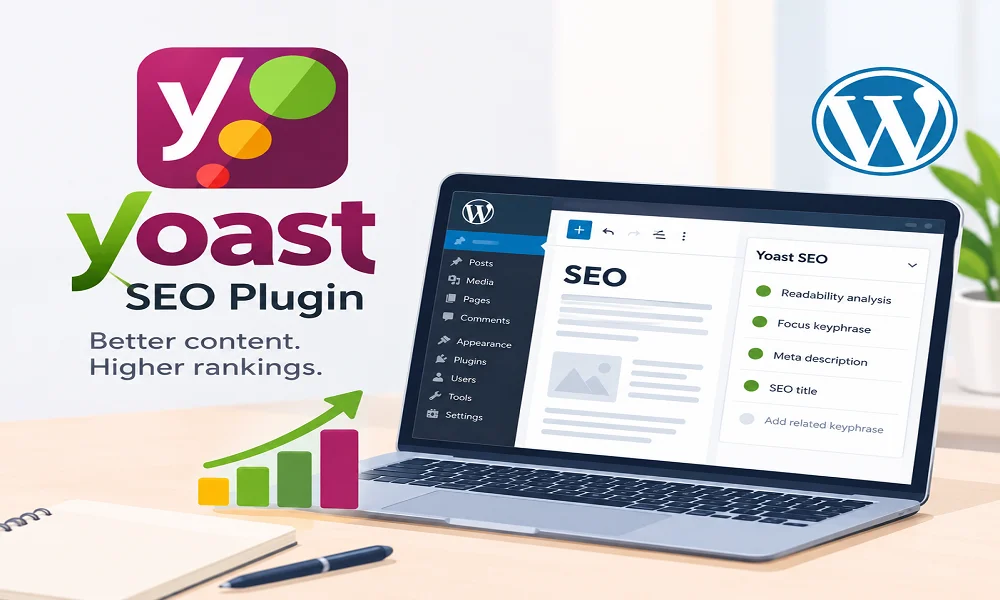
1- Yoast SEO Plugin – Best for beginners
People with WordPress sites often start with the Yoast SEO plugin because of its simple interface. It is one of the most popular WordPress SEO plugins, and it was one of the first I used for my own projects.
It lets me add 1 keyphrase, manage the meta title and description, run readability checks, automatically generate sitemaps, and analyse on-page content.
As a beginner working on a personal project, I suggest you try it and switch later if needed, since it lets you move to another tool without compromising the content.
Key Features of Yoast SEO Free:
- 1 Keyphrase Optimisation
- Real-time content analysis
- Readability analysis
- Meta title and description
- XML Sitemap
- robot.txt and .htaccess editing
- Foundational Schema data
Key Features of Yoast SEO Premium:
- AI-enhanced optimisation
- Multiple keyphrase optimisation
- Internal linking suggestions
- Redirect Manager
- Technical SEO
- Included Add-on plugins
- Local SEO
- Social Media Preview
Limitations:
- Advanced SEO features require a paid version
- Only single keyphrase optimisation can be done in the free version
Best For:
- Beginners
- Bloggers
- Small business owners
- Users who want an easy-to-use interface
Yoast SEO Pricing:
Use the free version if you don’t need advanced SEO features. The premium version costs £9.90/ month, billed annually
at £118.80 (ex. VAT).
My Verdict:
If you want a simple SEO plugin with an easy interface and don’t need advanced features. It is the best WordPress SEO plugin to start with.
2- Rank Math SEO Plugin – Unlimited free features
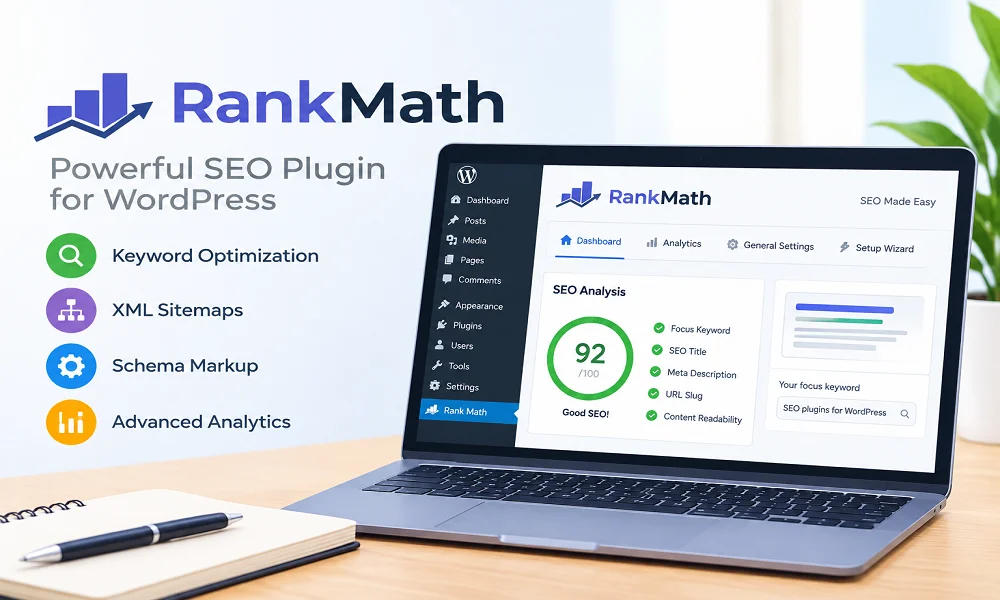
Rank Math is my favourite overall; I recently switched to its free version for my personal site, and it has really helped with on-page SEO as I add multiple keyphrases and optimise the title, URL, and meta description.
The Pro version offers unlimited keyword optimisation. It also introduces a new feature, AI Link Genius, to strengthen your internal linking strategy for better rankings. It offers 2 modes for both beginners and SEO experts.
Start with the free version, and as you grow, upgrade to Pro, which is quite reasonable.
Key Features of Rank Math Free:
- Multi-keyword optimisation
- Built-in Schema generator
- 404 Monitor and Redirect Manager
- Google Search Console Integration
- XML Sitemap
- WooCommerce SEO Support
Key Features of Rank Math Pro:
- Advanced Google Analytics 4 Integration
- Keyword Rank Tracker (500 keywords)
- AI Search traffic tracker
- Advanced Schema Generator
- In-depth Analytics dashboard
- Google Trends Integration
- Local SEO with multiple locations
- Image SEO Pro
- WooCommerce SEO Pro
- 6 Extra Schema Types
- Advanced Post Filtering
- Advanced Content SEO Overview
- Add Unlimited Schemas
- Advanced technical SEO
Limitations:
- The unlimited features might be overwhelming for beginners
- Advanced SEO features, AI, and tracking capabilities are included in the Pro version only
Best For:
- Small website owners
- Affiliate websites
- Local businesses
- Advanced SEO users
Pricing:
The free version already includes many features. However, the Pro version is € 7.99 / month billed annually (ex VAT).
My Verdict:
If you want multiple SEO features in a free version, Rank Math is a great pick.
3- All in One SEO Plugin (AIOSEO)
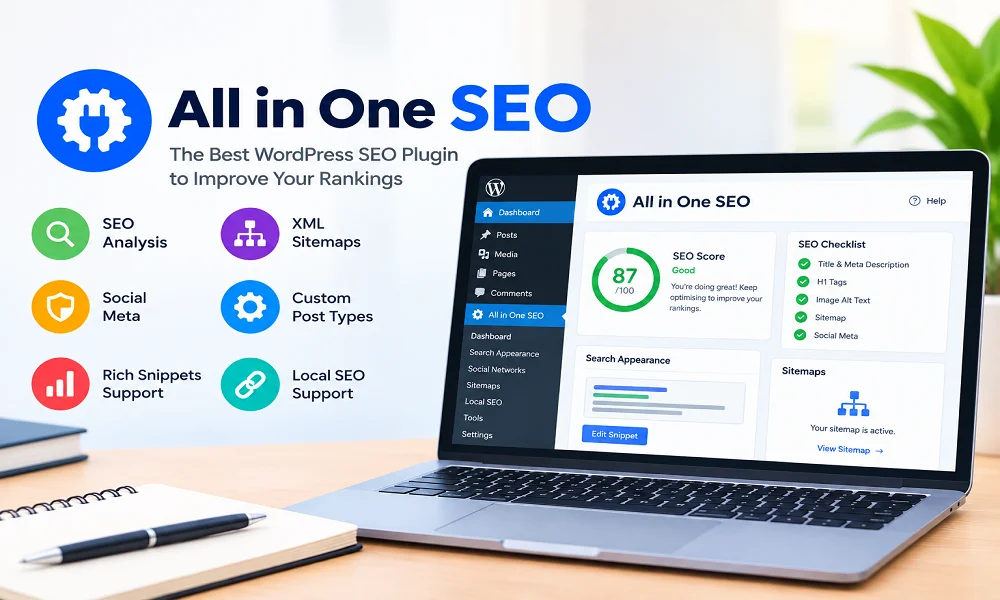
All in One is the best SEO plugin for those who want to optimise their website for search engines. It is often compared to other powerful plugins, like Rank Math, because it includes all the features that help a website grow.
It offers different modules including free, basic, plus, pro and elite. The basic version is for 1 site and the plus version is for 3 sites. However, if you are running a SEO agency, go for the pro or elite version as mentioned on their official website.
Key Features of All in One SEO Lite
- SEO Titles and Meta Descriptions
- XML Sitemaps
- Basic Schema Markup
- robots.txt editor
- Social media integration
- Basic WooCommerce SEO
- Basic Local SEO
- Basic redirection support
Key Features of All in One SEO Basic
- AI Suite and Content Generator
- Advanced Local SEO
- Advanced Schema Markup
- Link Assistant
- Redirection Manager & 404 tracking
- WooCommerce SEO
- TruSEO On-Page Analysis
- Smart XML Sitemaps
- Keyword Rank Tracker
- Social Media Integration
- Technical SEO
Limitations:
- All the features in the Lite version are limited
- Premium support is not available in the free version
Best For:
- Ecommerce stores
- Content creators and bloggers
- Local businesses
- Users who want essential optimisation features
Pricing:
AIOSEO keeps upgrading its plans by introducing new features. The basic version costs £49 per year with introductory first-year discounts, normally renewing at around £99/year.
My Verdict:
I used the Basic version for one of my clients’ websites, which wanted advanced SEO features. It’s a worthwhile plugin for its all-in-one features.
4- The SEO Framework Plugin
The SEO Framework stands out as a lightweight, high-performance plugin that doesn’t confuse newbies with unlimited SEO features. It keeps the optimisation process simple and easy to understand. It includes 11 extensions: 6 premium and 5 free.
What sets this plugin apart is its automated approach, which lets users make quick, automated SEO decisions. If you’re starting your project and want basic On-Page and technical SEO, the free version covers these aspects.
Key Features of the Free SEO Framework Plugin:
- Unlimited access to free extensions
- Duplicate content protection
- Block AI and SEO crawlers
- Basic Technical SEO
- Basic On-page SEO
- Canonical URLs
- Robot direction
- 301 redirects
- Title optimisation
- WooCommerce
Key Features of Pro SEO Framework Plugin:
- All free version features
- Sitemap
- Title and Meta optimisation
- SMO Management
- Structured data and Schema
- Schema Meta integration
- Local SEO
- Advanced SEO Control
Limitations:
- It doesn’t have an extensive keyword database
- No readability analysis
Best For:
- Small website owners
- Users who prioritise speed and performance
- Developers
Pricing:
The Pro version is $7/month, paid yearly. The price mentioned on their website is in dollars.
My Verdict:
If you want a plugin with a clean interface and solid automation, this plugin is the right pick.
5- SEOPress Plugin
The last plugin is SEOPress, which is simple, easy, and powerful. This plugin serves both small business owners and agencies. The free version offers unlimited keywords and no ads, while the premium version includes many other advanced features.
The SEOPress AI Credits automatically generate meta descriptions, image alt text, and titles for unlimited pages. It integrates seamlessly with popular page builders.
Key Features of the Free SEOPress Plugin:
- SEO Metadata
- XML Sitemaps
- Unlimited keywords
- Content Analysis
- Titles and Meta
- Analytics tracking
Key Features of SEOPress Pro:
- AI Features
- Site Audit
- Structured data types
- Local SEO
- Google Search Console
- Redirects and 404 errors
- Breadcrumbs and WooCommerce SEO
Limitations:
- The multiple settings and options might be overwhelming for starters
- It has less detailed suggestions for content optimisation
Best For:
- Small Business owners
- Agencies
- Affiliate websites
- E-commerce sites
- Users with multiple websites
Pricing:
SEOPress Pro for unlimited sites is available for $149/year (ex. VAT). You can get it for $49/year (ex. VAT) for a single site.
My Verdict:
It can be your first choice, whether you are a small business owner or running an agency.
Note: Prices are shown in the currency listed on each plugin’s official website and were last checked in Oct, 2026.
Best SEO Plugins for WordPress Websites: Comparison
Let’s quickly compare the features of the above plugins to help you make a final decision.
| Plugin | Free Version | Pricing | AI Features | Local SEO | Free Version Limit | Ease-of-use | Best For |
| Yoast SEO | Yes | £9.90 / month, billed annually at £118.80 (ex. VAT) | The premium version contains AI-enhanced optimisation. For advanced AI features, get Yoast SEO AI+ for £29.90 / month, billed annually at £358.80 (ex. VAT) | Yes | 1 focus keyphrase per post No internal linking suggestions No AI-assisted tools No social media preview | Beginner-friendly interface | Beginners and General SEO improvement |
| Rank Math SEO | Yes | € 7.99 / month billed annually (ex VAT) | The Pro version recently introduced the AI Link Genius feature, which fixes broken internal links. It also has the Rank Math AI Trial feature. | Yes | 18 pre-defined schema types 3-day Google data fetch frequency Unlimited focus keywords | Offers easy and advanced modes for both beginners and experienced users | Beginners and Experts |
| All-in-one SEO | Yes | £49 per year | The basic plan has introduced 10,000 AI Credits. It also contains ChatGPT AI tools. | Yes | Only for 1 site 1 TruSEO focus keyword No social media integration No advanced SEO | Easy-to-understand interface | Users looking for all-in-one solutions |
| The SEO Framework | Yes | $7/month when paid yearly | It doesn’t offer AI generative tools | Yes | No Local SEO No Google Analytics Zero API features No content analysis | Automated and lightweight | Minimalist users |
| SEOPress | Yes | $49/year (ex. VAT) for a single site. $59 / year (ex. VAT) for 5 sites and $149 / year (ex. VAT) for unlimited sites | It has solid AI features. The free version also lets external AI agents update basic SEO details | Yes | It has no usage caps as it works on unlimited sites. | Clean and user-friendly interface | Multiple sites and agencies |
Note: Prices are shown in the currency listed on each plugin’s official website and were last checked in Oct, 2026.
How to Choose the Right SEO Plugin
Choosing the right plugin for your WordPress website depends on numerous factors.
- For beginners: Look for simple and easy-to-understand features. You can also start with free versions.
- For advanced users: Look for technical SEO controls, redirects, schema options, automation, integrations, performance, and customisation.
- WooCommerce Users: Check the SEO plugin for WooCommerce
- For Local Business: Check the plugin’s Local SEO features.
- Content-based Website: If you have a content-based site, then look for On-Page SEO features in a plugin that helps you implement On-Page SEO efficiently.
Frequently Asked Questions
Can you use more than one plugin for your WordPress Website?
No, two SEO plugins can output duplicate meta tags, sitemaps, and schema, causing conflicts. You can use multiple plugins that serve different purposes. For example, you can use the Rank Math plugin for SEO optimisation, and WP Rocket for website speed.
Yoast vs Rank Math. Which plugin is best?
Both are strong WordPress plugins suited for different users. As a beginner, Yoast is the right choice, but if you want a few more features, Rank Math can be a good option.
Which SEO plugin is best for beginners?
As a beginner, I recommend Yoast SEO because it has a clear interface and fewer advanced SEO settings.
Do SEO plugins improve Google rankings?
SEO plugins help optimise content, titles, and meta descriptions; automatically generate XML sitemaps; and identify basic SEO issues. Don’t expect them to rank your content automatically, as they require other SEO features as well.
Final Thoughts
These are the best SEO plugins for WordPress websites that help optimise content and organically rank in Google search results. This guide also specifies which tool is best for which purpose. As a beginner, Yoast SEO is a strong starting point.
For advanced users, Rank Math adds value because it includes many SEO features. All in One SEO is best for those looking for an all-in-one solution; it also has an easy-to-understand interface. The SEO Framework is a good option if performance and simplicity are priorities, while SEOPress is worth considering for businesses and agencies looking for flexible pricing and features.
Consider your goal, then check whether a particular plugin serves that purpose. The decision will be easy.